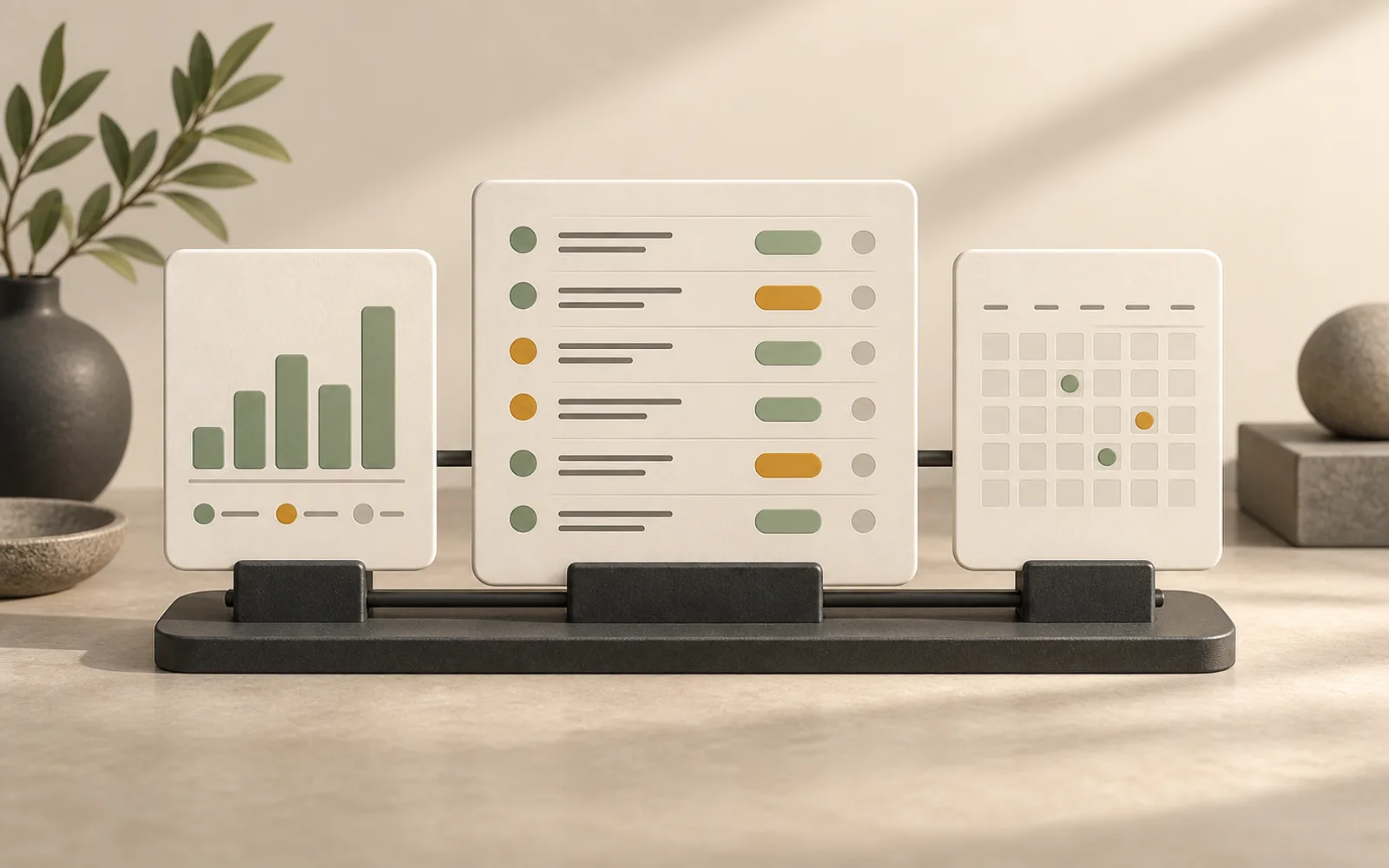
Documents in Polybase can now be shared outside the workspace through trackable links. A share link opens a clean page-by-page viewer in the browser — recipients need no Polybase account and nothing to install — and every link you create is managed from a single dashboard in Docs.
Until now, sending a document to someone outside the workspace usually meant exporting a file and losing sight of it. A share link keeps the document where it belongs and turns the send into something observable: you can see whether the document was opened at all, and which pages actually held the reader's attention.
The viewer presents documents one page at a time, and viewing activity is recorded per page — visits per link, and how far into the document readers got. That difference matters in practice: a proposal that is opened and abandoned on page two tells a different story than one read to the end.
For documents that need a name attached, an optional email gate asks viewers to leave their address before the document opens. The dashboard brings it together: every active link, its settings and its viewing activity in one list, so a document shared six weeks ago is never a loose end.
As with everything in Polybase, none of this is tied to our cloud. On a self-hosted instance the viewer, the analytics and any collected email addresses stay on your own servers — which is exactly where you want them when the documents you share are offers, contracts or board material.
- Page-by-page browser viewer — no account or download needed on the receiving end
- Per-page view analytics for every share link
- Optional email gate before a document opens
- One dashboard listing every link, its settings and its activity
- Runs on your own servers in self-hosted deployments