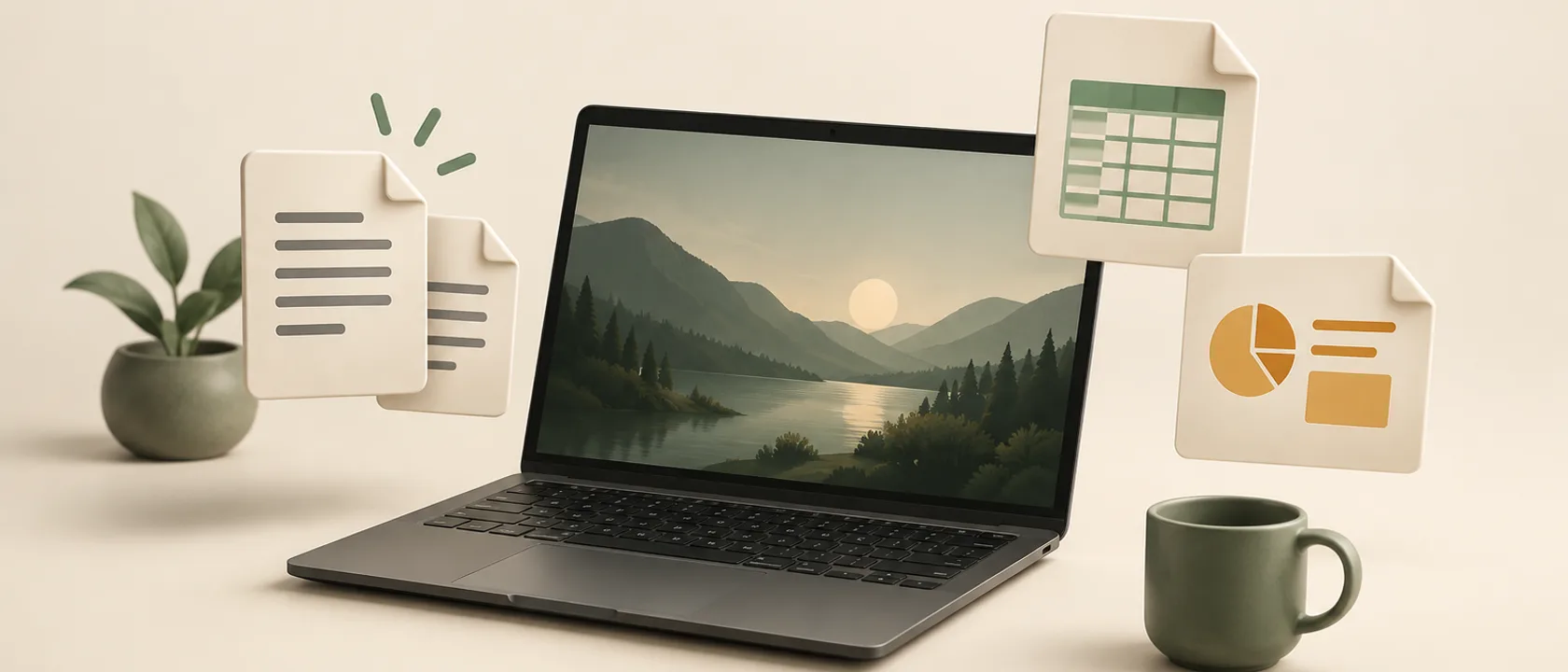
Polybase Desktop can now open DOCX, XLSX and PPTX files directly from your computer. Use Open With, Cmd/Ctrl+O or drag a file into a local document window. Each file opens in its own window, with no account, connection or upload needed for local viewing and editing.
Choose Edit to work with the document, spreadsheet or presentation editor, then Save a copy to create a separate local file. The source file stays untouched. Office content is converted for editing, so unsupported formatting or features may change; exact Microsoft Office fidelity is not guaranteed.
Import to Polybase brings the original or currently edited version into your workspace. Sign in, choose a channel with Drive enabled and an optional folder, then confirm the import. Later local edits do not sync automatically. Local Office support requires an updated desktop build; workspace import also requires the matching workspace update. Desktop is available.
- DOCX, XLSX and PPTX viewing and editing without an internet connection
- Save a separate local copy while keeping the original file
- Explicit import into a chosen Drive channel and folder
- Available in the updated desktop build