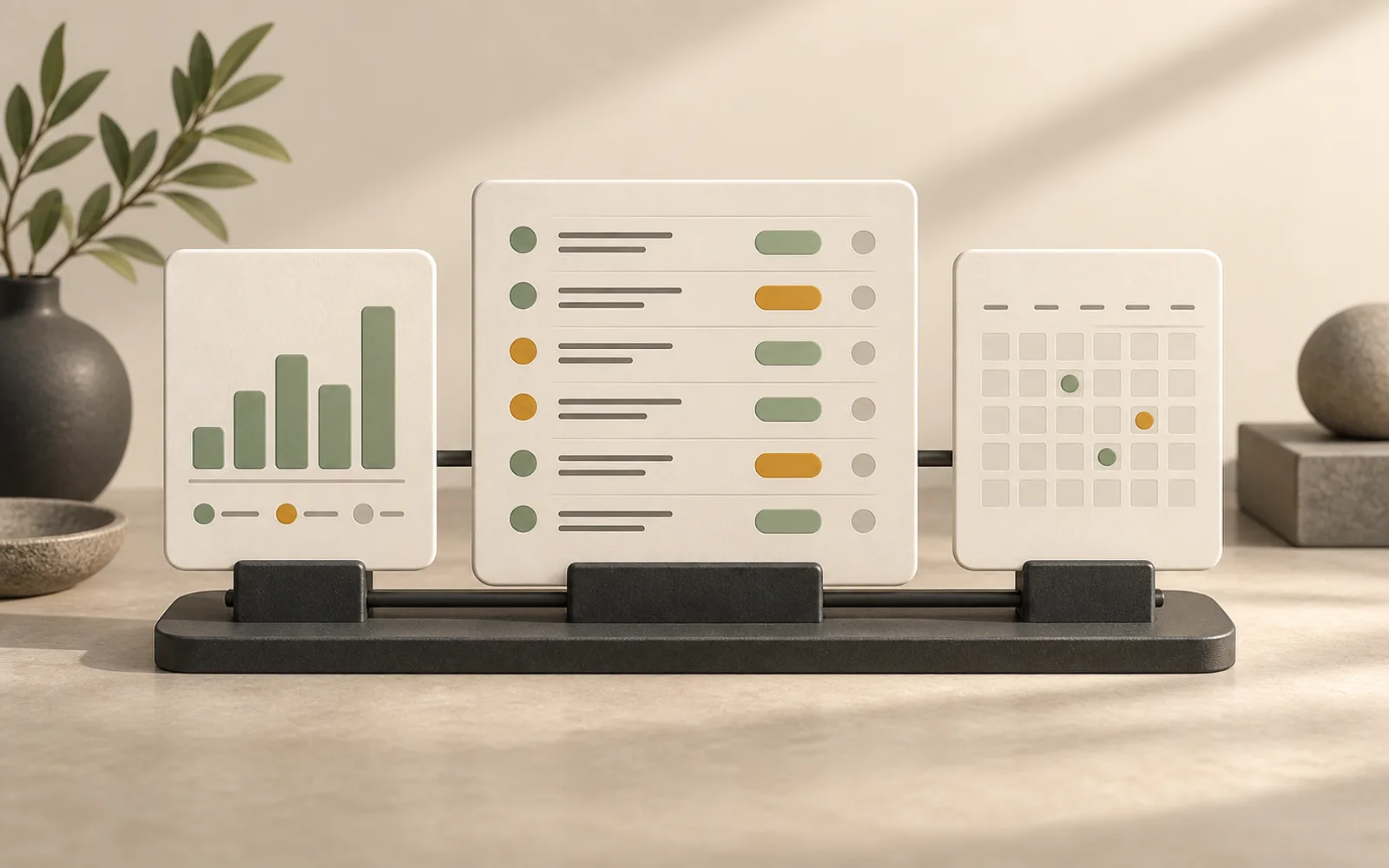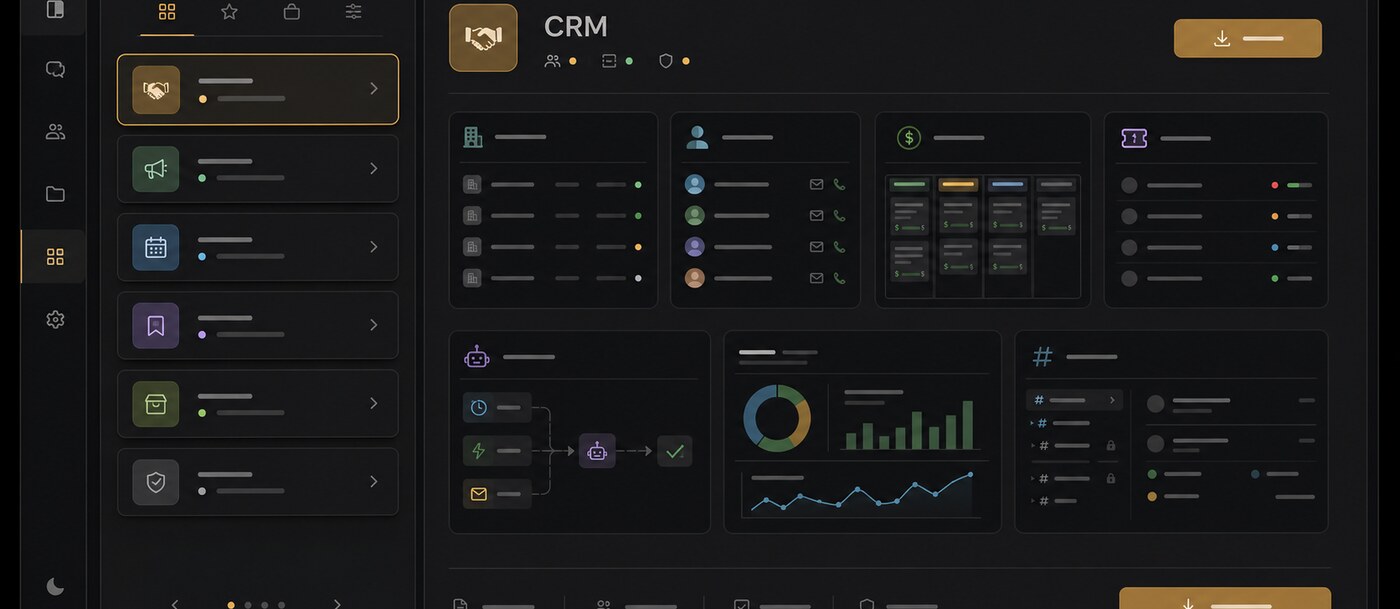
Creating a channel can now start from a complete operating model. Pick a template from the gallery and Polybase installs its enabled modules, task statuses and labels, Tables, saved views, forms, Flows, sub-channels and pinned Studio pages as one coordinated setup.
The first built-in example is CRM. It creates structured spaces for companies, contacts, deals, tickets and activities, alongside pipeline views, record pages, dashboards and four starter automations. Teams can inspect the full contents in the gallery before choosing it, then remove the selection and return to a blank channel at any time before creation.
A channel template turns a proven setup into something a team can repeat in one step. The whole operating model arrives together, without turning setup into a manual checklist across separate modules.
- Install modules, task workflows, labels, tables, forms and Flows together
- Templates can include sub-channels and pinned Studio pages
- Preview the complete template specification before creating the channel
- Built-in CRM template with deals, tickets, dashboards and starter automations